Move Capture
A downloadable tool for Windows
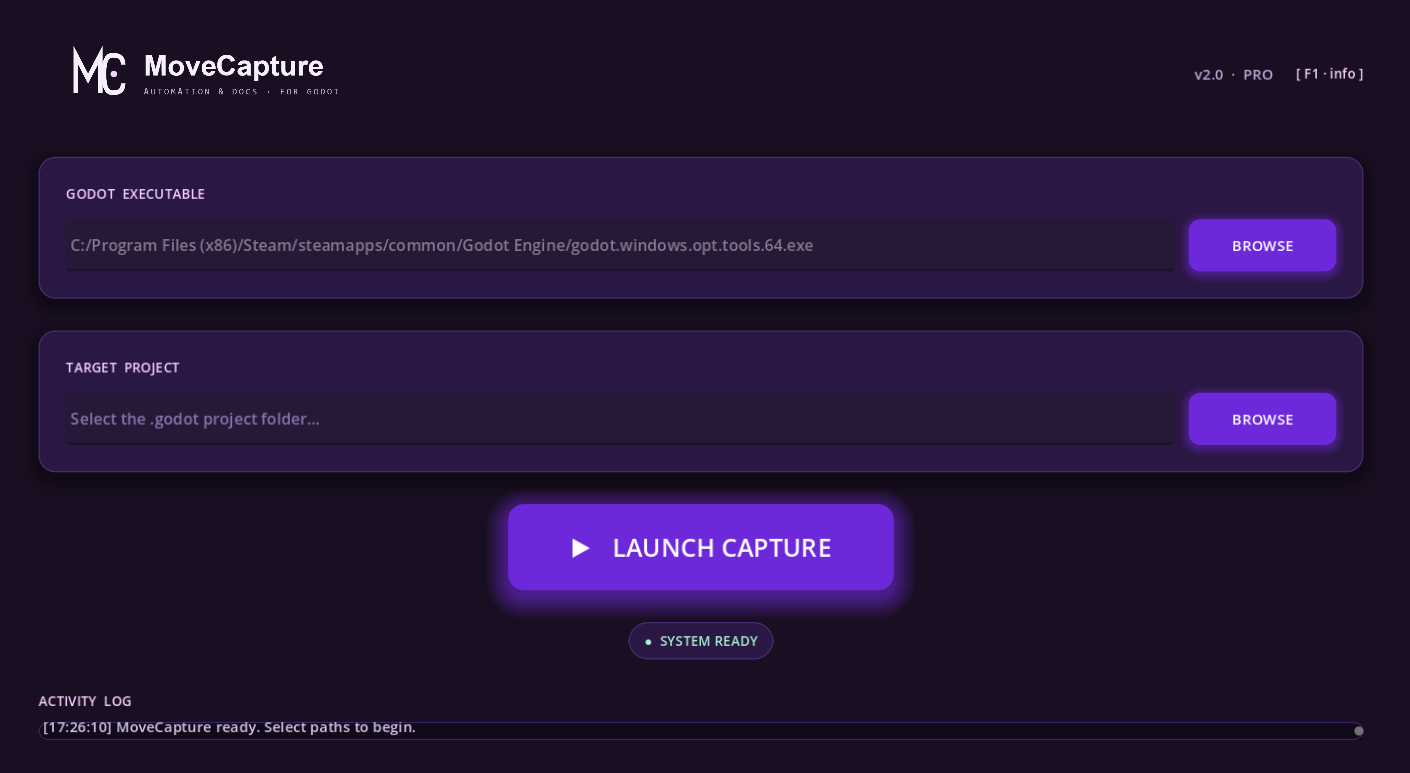
MoveCapture is a powerful automation and documentation tool designed specifically for Godot Engine developers. It acts as an "invisible observer," capturing your gameplay, UI interactions, and scene changes automatically.
What It Does
- Auto-Capture: Automatically listens to your project's InputMap and takes screenshots on key presses.
- UI Tracking: Detects UI button clicks and state changes without you having to write a single line of code.
- Organized Exports: Automatically sorts screenshots and logs into structured folders:
/Exports/[ProjectName]/[Timestamp]. - Zero Configuration: Just point to your project, and MoveCapture handles the rest.
Who Is It For?
- QA Testers: Create visual bug reports and step-by-step interaction logs effortlessly.
- Game Designers: Document gameplay flow, UI transitions, and mechanics for game design documents.
- Developers: Quickly capture marketing materials or DevLog updates during development.
IMPORTANT: Read Before Running
ANTIVIRUS WARNING: Since this is a new and unsigned program, your antivirus or Windows Defender may flag it for a scan or show a warning. This is a common behavior for new software. Relax, MoveCapture is completely safe. You may need to click "Run anyway" or "Allow."
PROJECT BACKUP: MoveCapture works by injecting a "Bridge" script into your project's settings to allow communication between the tool and your game. While designed to be safe, WE HIGHLY RECOMMEND MAKING A BACKUP of your project folder before use.
Download
Click download now to get access to the following files: